One truck’s day, from above
Another example from a real Saw Time subscriber — a working concrete cutting crew that runs its whole day on this app, shared with their permission. This is truck 7’s Wednesday from above: real satellite imagery, and the map and the paperwork checking each other line by line. Fleet is built and running in the office hub; the trackers go in the trucks when your company comes on.
The dot wakes up where the truck slept
The crew takes the trucks home, so the day starts in a driveway on the west side. The tracker feels the ignition turn and truck #7 goes green on the office map before the coffee’s poured. Nobody taps anything — the truck reports itself: a fix every few hundred feet while it is rolling, and a check-in while it sits.
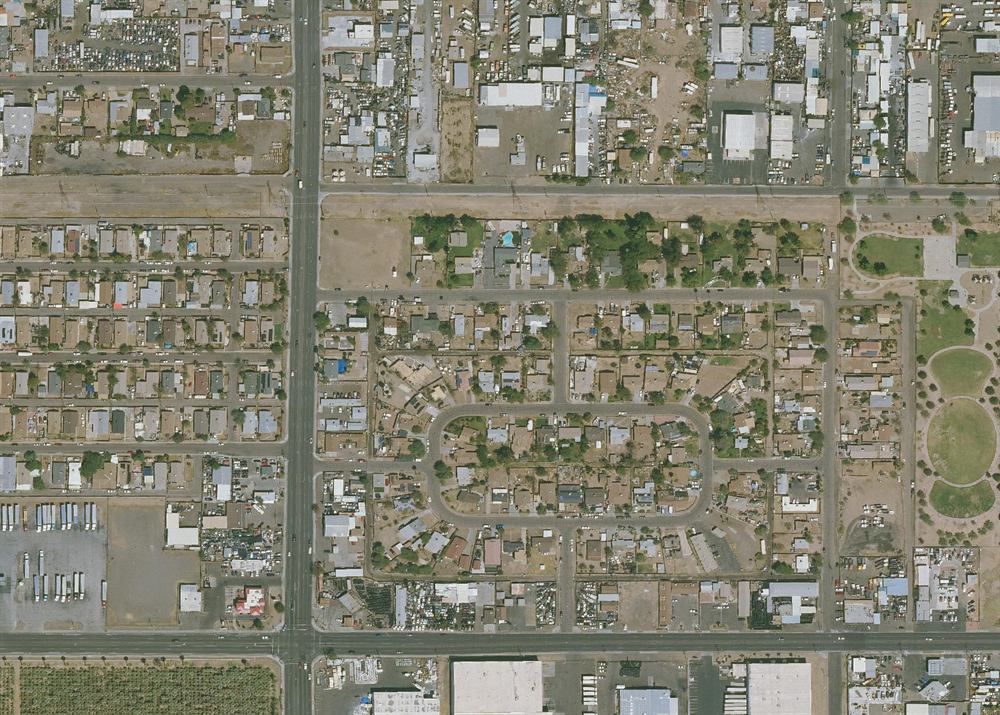
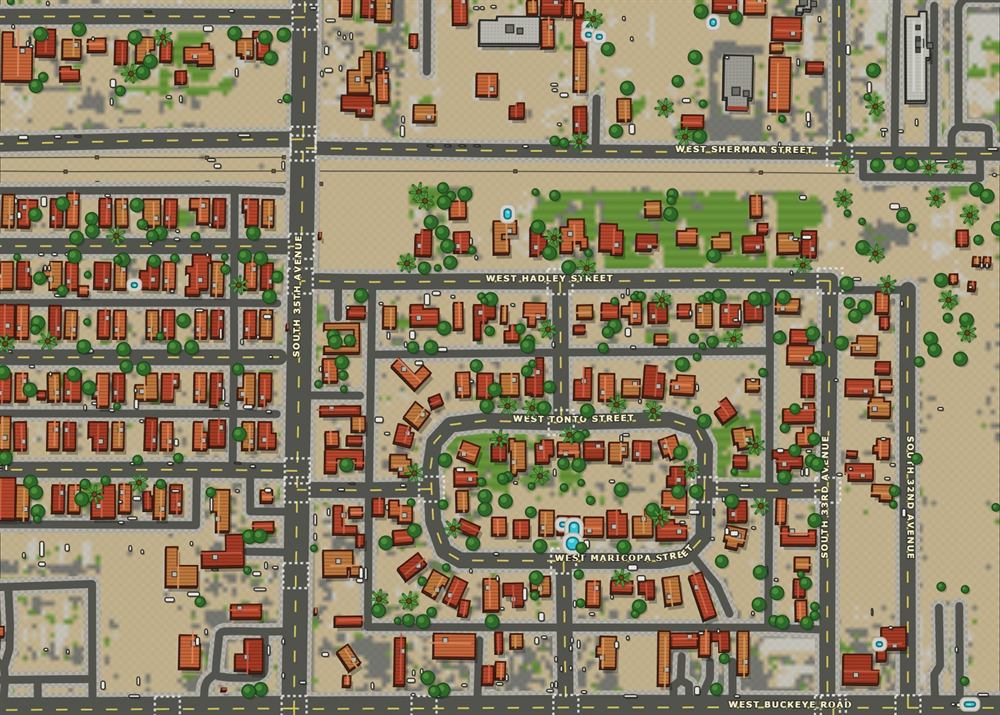
The trail draws itself
Rolling now, into downtown. Green dots fall behind the truck like breadcrumbs — that’s the run he’s on right this second. The moment the truck stops, the whole run turns red and stays put: old trail. Then the next run starts fresh and green. Every run, every truck, all day — drawn without anybody touching anything. Truck #11 is already parked at the job; R. Fuentes got there first.
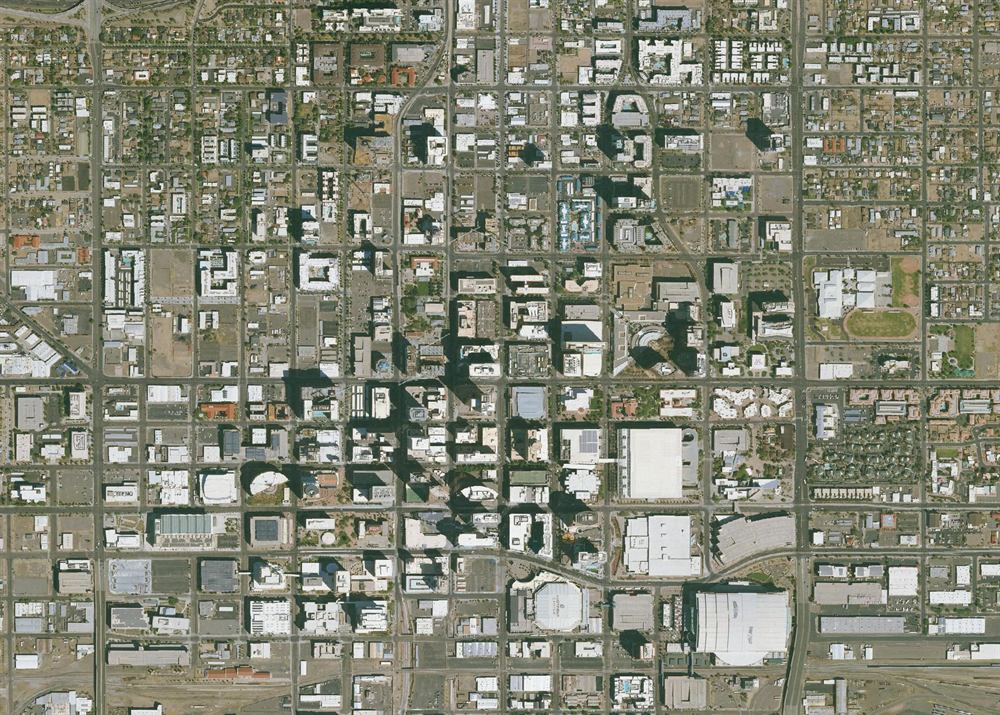
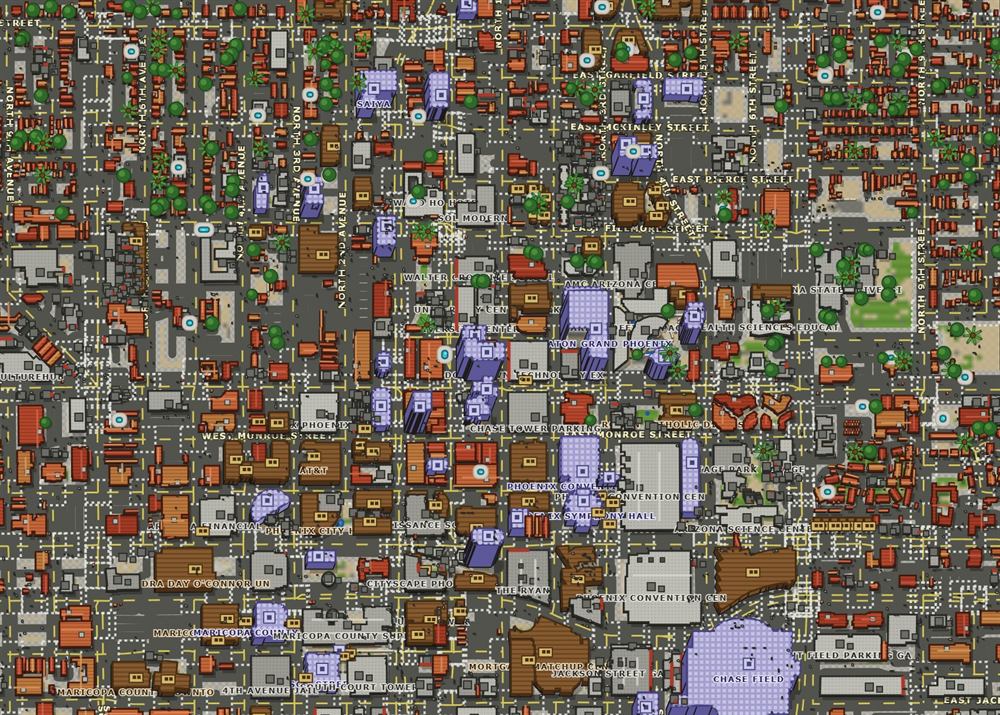
The fuel stop shows itself
Nine minutes stopped at the corner station. The driver logs 18.2 gallons, $61.40 — and the map already knows the truck was standing at a pump when he did. That’s the fuel audit with a witness: the fill, the place, and the clock all agree without anyone asking. A fill logged from a truck that was never near a pump? That row would raise its hand.
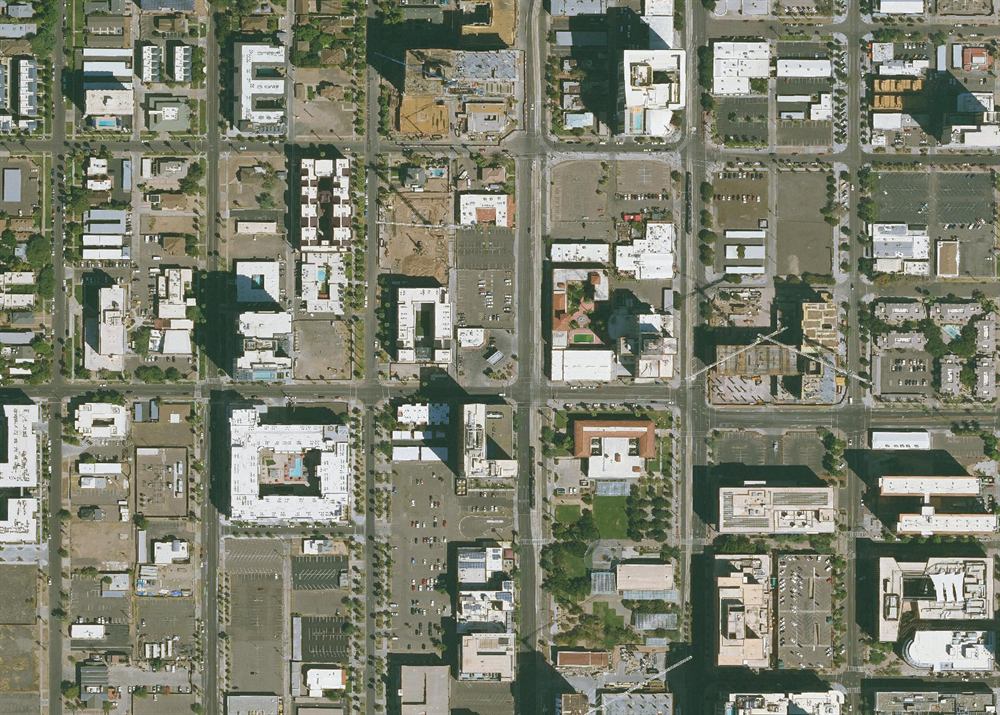
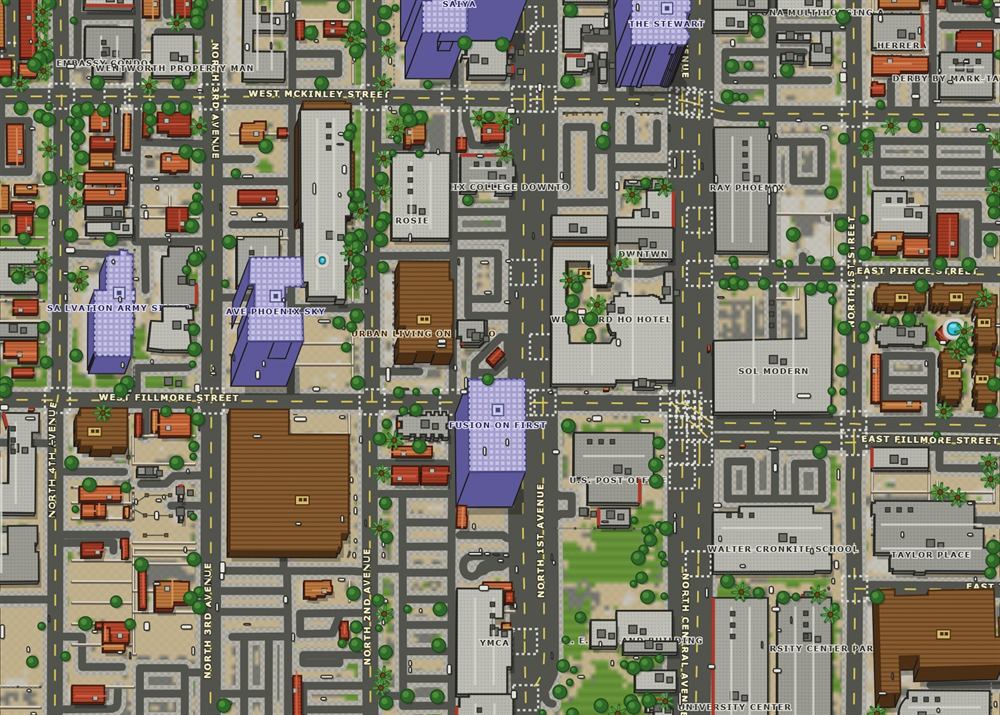
Eight hours parked where the ticket says
Two trucks, actually. R. Fuentes in #11 rolled in at 5:54; Danny in #7 pulls in four minutes before he punches, and neither dot moves again until two minutes after Job Complete. Sixty-seven cores and fourteen feet of chain saw took two men and eight hours between those timestamps — you’ve seen the signed ticket. The map can’t see the wall. But it can swear both trucks stood at that address for eight hours, and that’s what an invoice argument dies against.
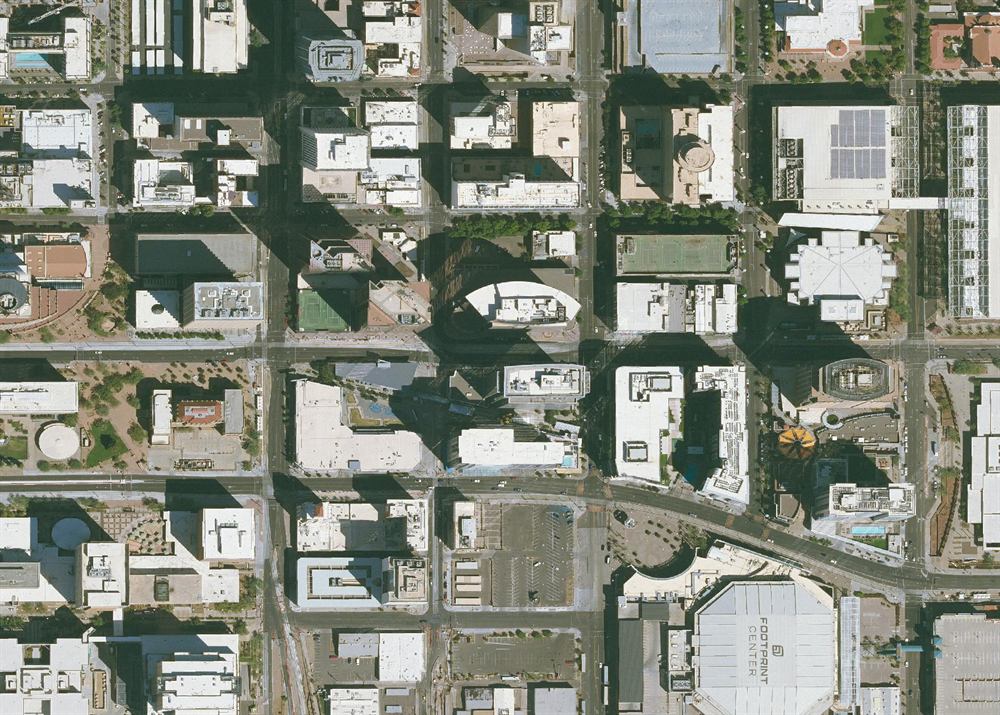
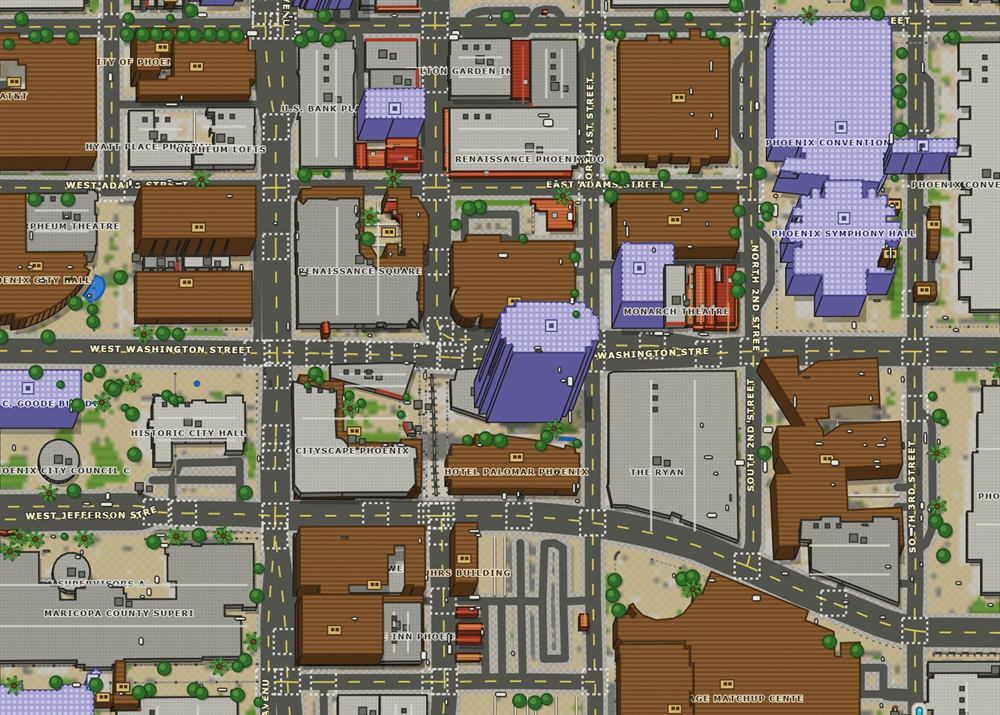
Make the truck yours
Zoom in on any stop and it isn’t a generic dot — it’s your truck. The number’s printed on the cab roof, your letters ride the bed, and every truck in the fleet wears the same paint with a different number. Truck 7 is truck 7 from across the parking lot, and #11 next to it is Fuentes. That custom feel isn’t decoration — it’s how the office reads a map full of trucks in one glance.
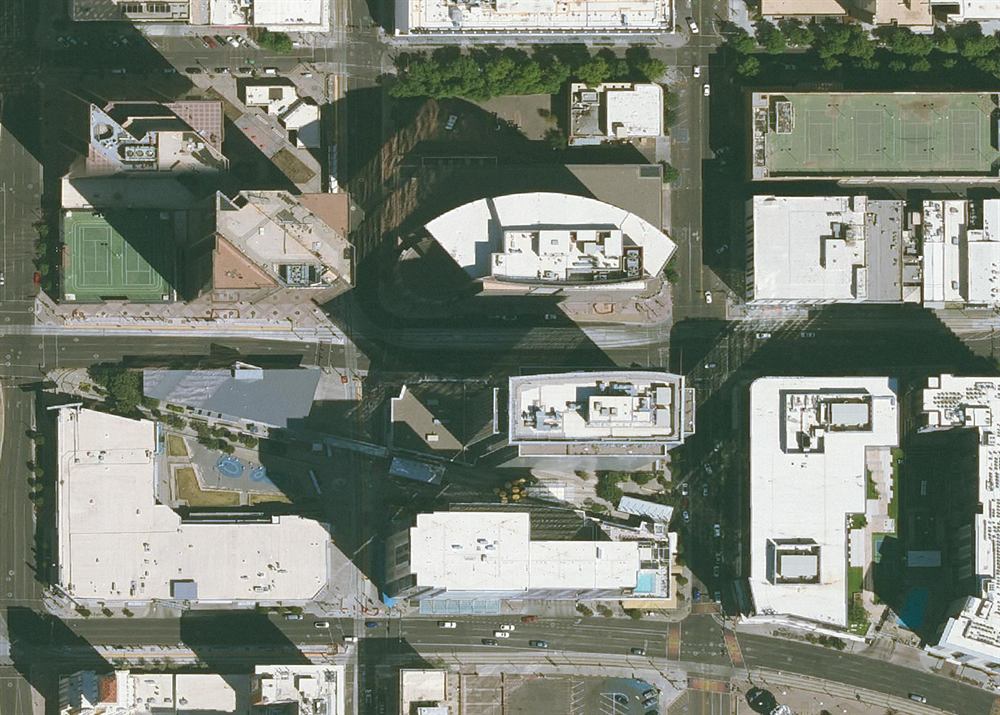
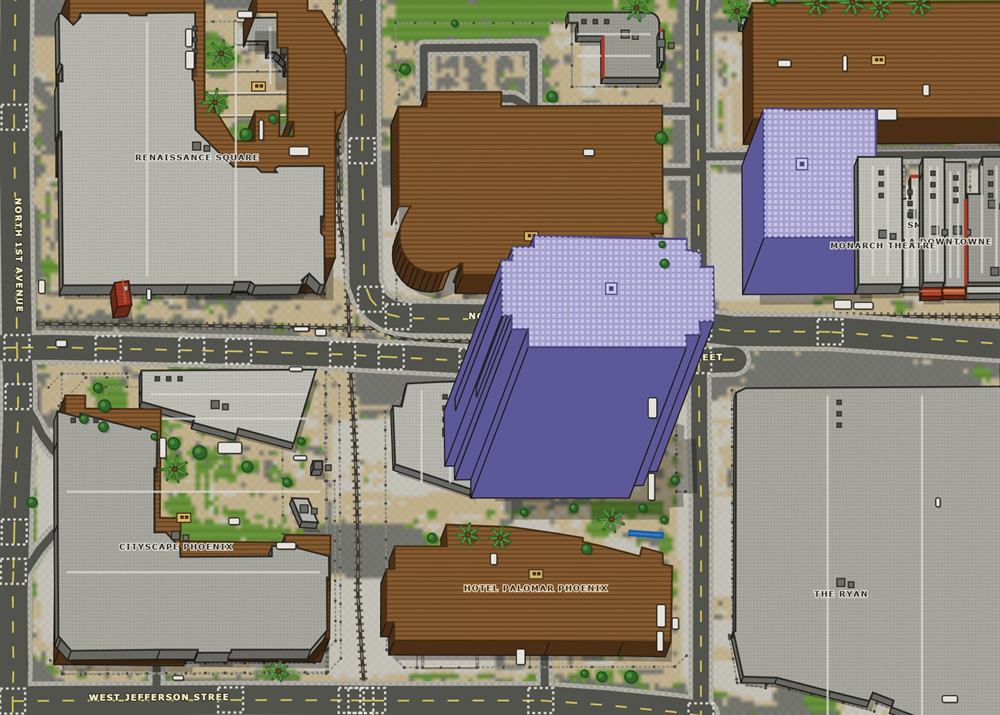
Replay the whole day with one slider
Wednesday, three weeks from now, somebody claims the crew never showed. Drag the slider. The whole day plays back — the drive in, the fuel stop, eight hours on the wall, the drive home. 34.6 miles, 1 hour 27 minutes of driving, one 12-minute idle that got itself flagged. Every truck keeps this diary every day, and nobody on the crew spends one second writing it.
And when satellite imagery is too busy to read at a glance, flip to the clean view — the same day on a high-contrast map where the trucks and their trails are the only thing your eye lands on. Every card on this page has the button.
The map and the paperwork shake hands
This is the part nobody else does. The tracker doesn’t know what a time card is. The time card doesn’t know where the truck was. Saw Time knows both — so every line gets checked against the other side of the story, automatically:
| The paperwork says | The map says | |
|---|---|---|
| Travel, 5:20 – 6:00 AM (0.67 hr) | Rolling 5:21 – 5:56 AM · 16.8 mi | ✓ agrees |
| Fuel — 18.2 gal · $61.40 · 5:40 AM | Stopped at a station 5:38 – 5:47 | ✓ agrees |
| Job 48112 — 6:00 AM – 2:00 PM | On site 5:56 AM – 2:03 PM | ✓ agrees |
| Other men on job: R. Fuentes — Op #11 | Truck #11 on site 5:54 AM – 2:05 PM | ✓ agrees |
| Travel home, 2:00 – 2:45 PM (0.75 hr) | Rolling 2:03 – 2:44 PM · 17.9 mi | ✓ agrees |
All green today — and that’s the point. When a row doesn’t agree, it turns red and raises its hand in the office hub. Nobody’s pay changes by itself; the card is still the record. The map just makes sure nobody has to argue from memory — not the office, not the customer, and not the guy who really was on that wall for eight hours.
And the trucks watch the money, too. The same positions feed the fuel audit — a fill on the monthly fuel bill from a truck the map says was parked at home is a very short conversation. And the same positions stand behind the job ticket: a customer arguing eight hours is arguing with a truck that sat at the address for eight hours.
And the safety paperwork. A pre-task plan completed at 5:58 AM by a crew whose truck was already parked at the job — signed on site, and the map says so (see Safety).